Stempl is this easy
Everything on your phone. You do not need an app from the store.
Log in
Your boss gives you an email and password. Open stempl.company and log in. You can change the language at the top right.
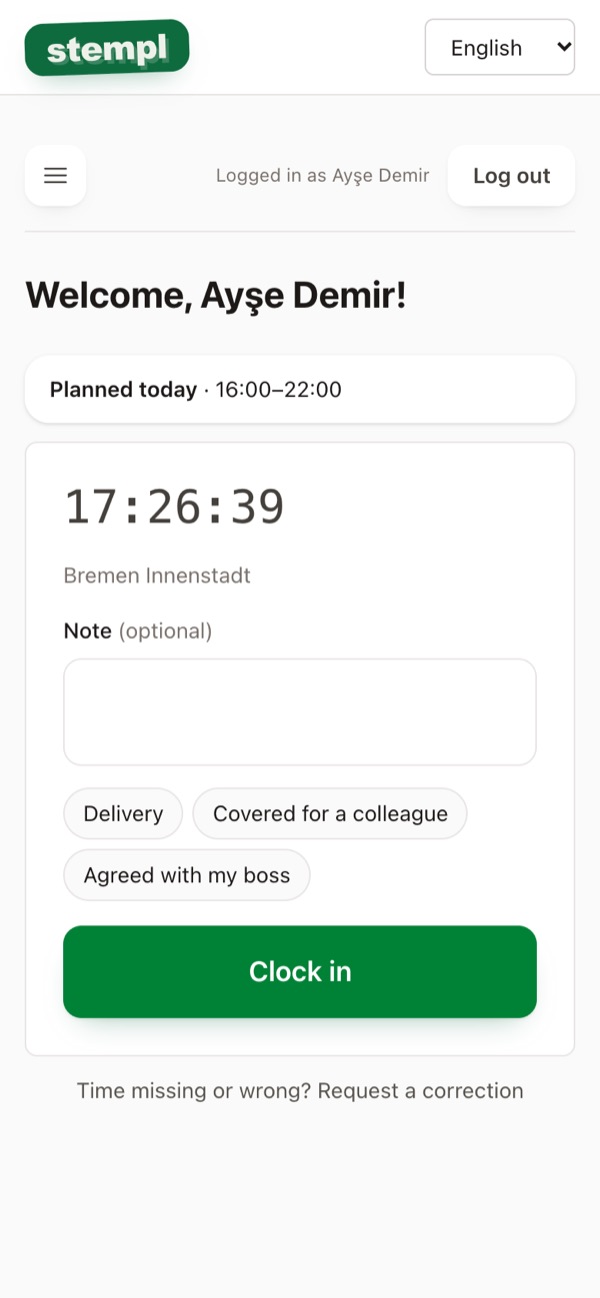
Clock in
When you start: press the big green button. At the top you see your shift for today. If you like, add a short Note first, for example delivery. Your phone briefly asks for your location, this helps your boss see that you are on site.
Break and clock out
For your break press Start break, afterwards End break. At the end press Clock out. If you differ a lot from the plan, the app briefly asks why.
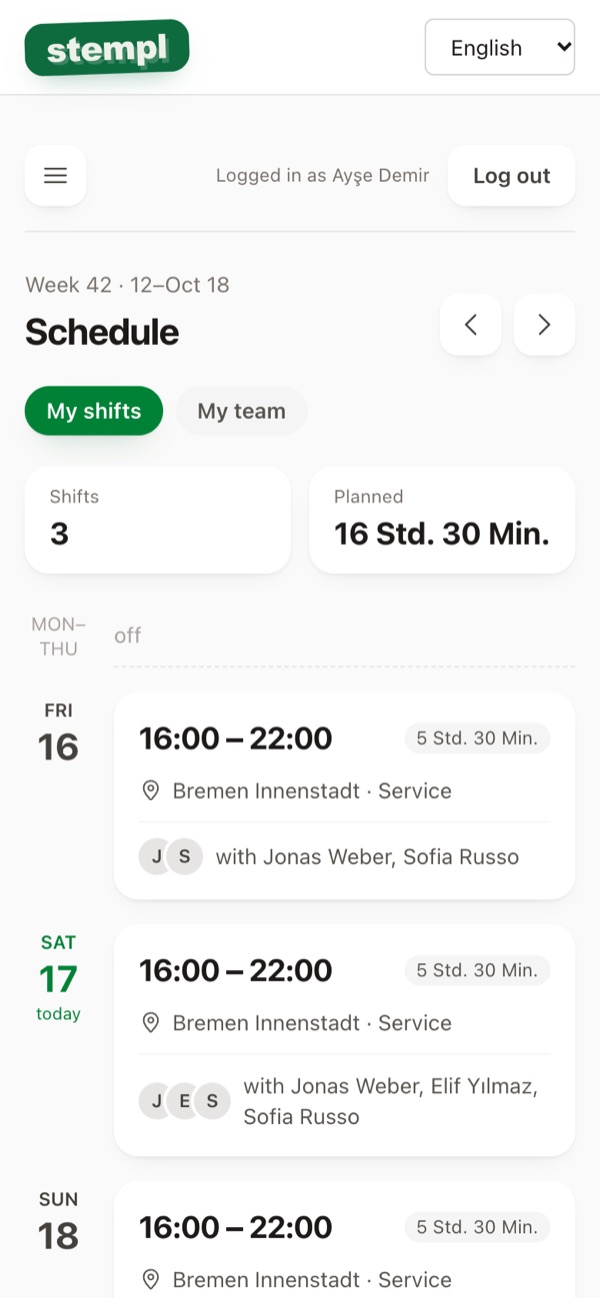
See the schedule
Tap Schedule in the menu. You see your shifts and, if you like, the whole team.
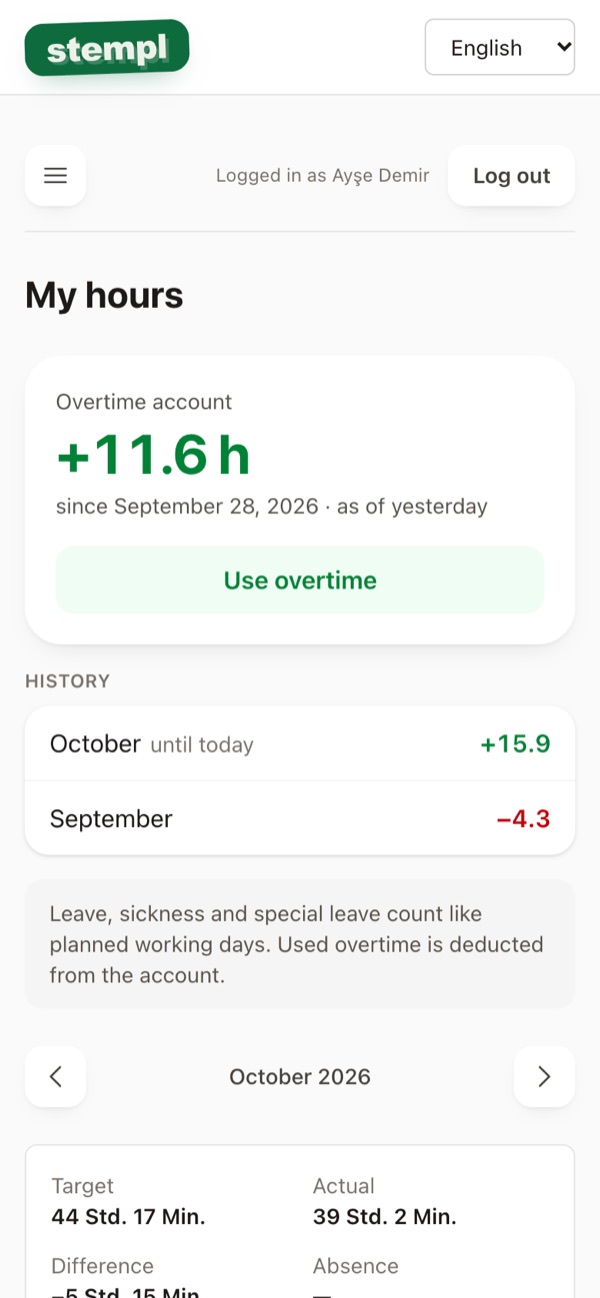
My hours
Tap My hours in the menu. You see your hours for the month and your Overtime account.
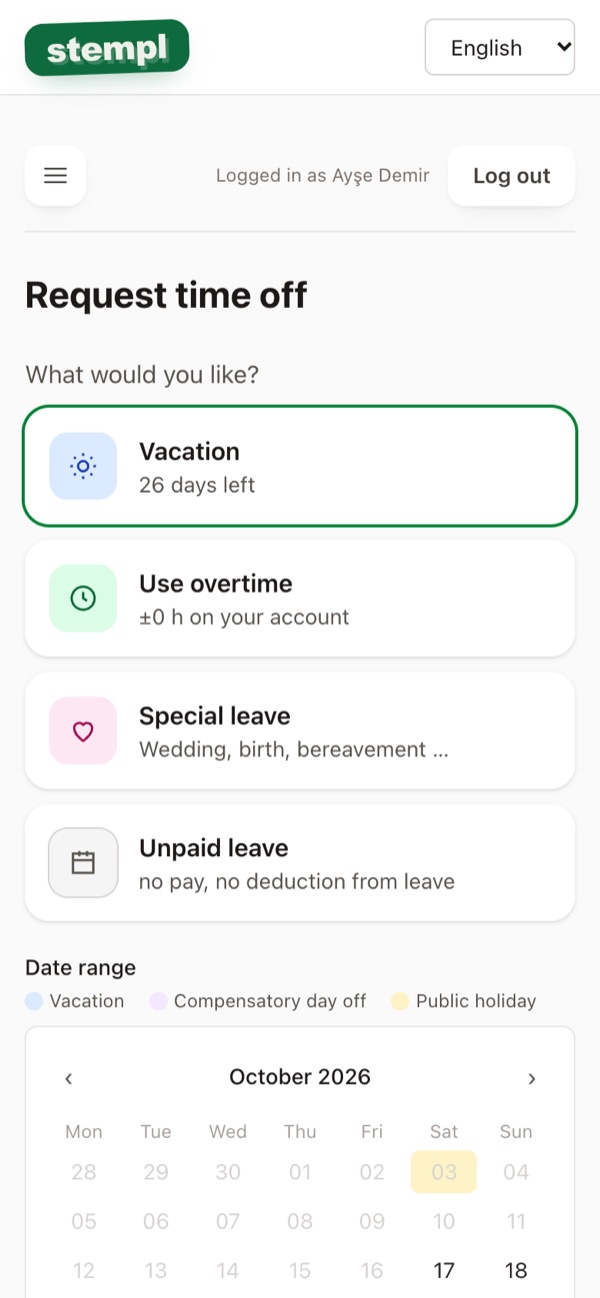
Request leave
Tap Vacation in the menu, then Request time off. Tap the days in the calendar and send. Your boss confirms.
My year
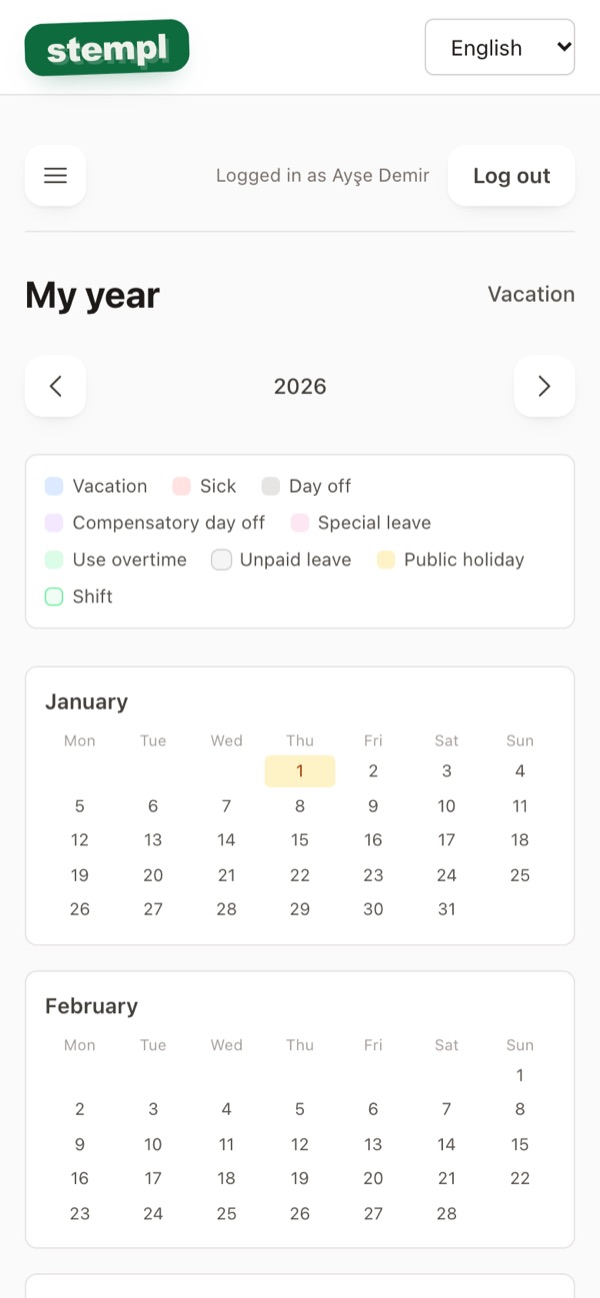
Under Vacation → View my year: your leave and shifts for the whole year.
Time wrong?
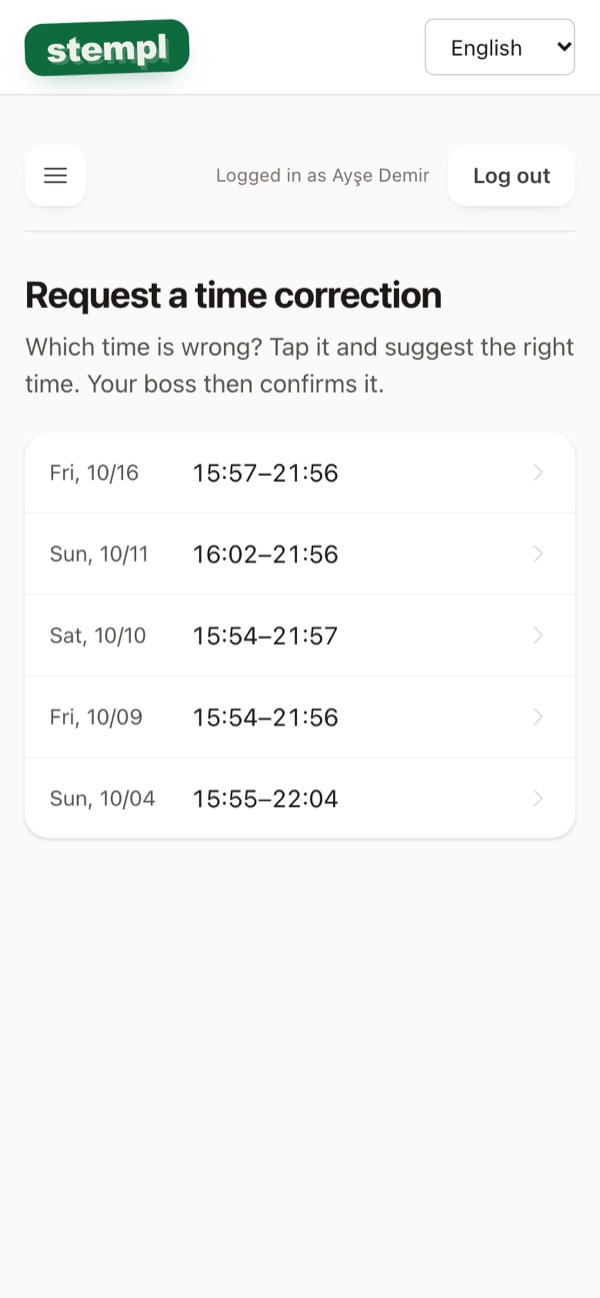
Forgot to clock out or phone was dead? On the home page tap Time missing or wrong? Request a correction at the bottom. Your boss checks it.
Profile, PIN and password
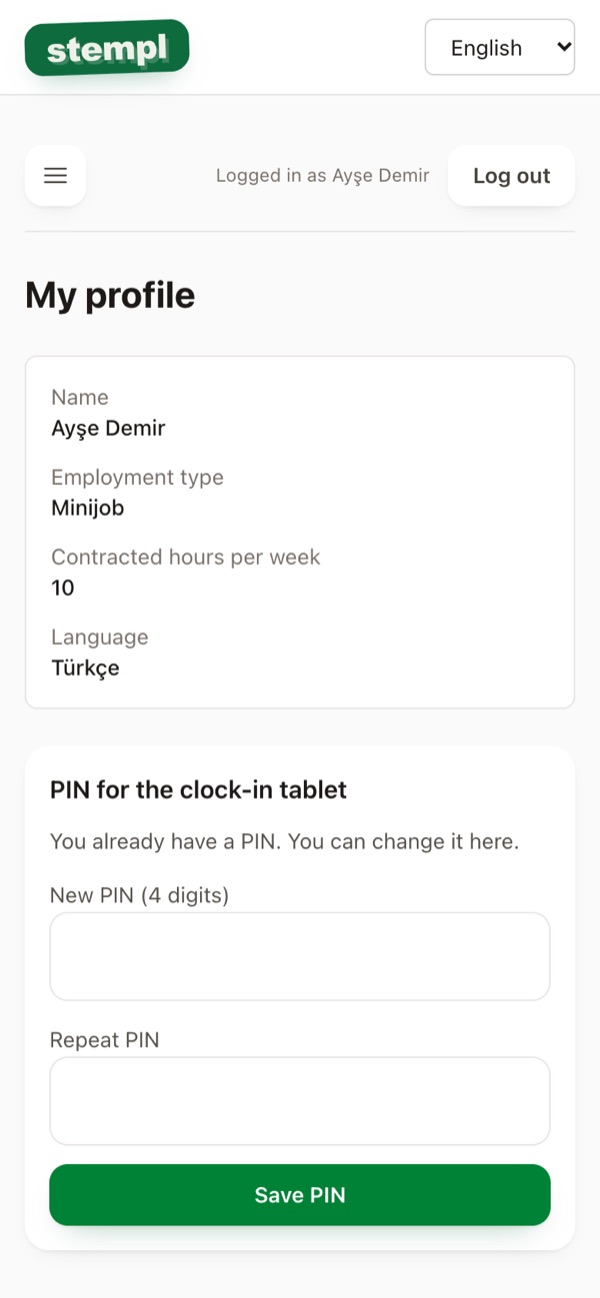
Under My profile you see your details and change your PIN for the clock-in tablet. Change your password under Change password.
Like an app
In your browser tap Share and Add to Home Screen. Then Stempl is always one tap away.